Today's date, the weekday, and one line worth keeping — on your phone screen.
A calm, minimal wallpaper you can save in seconds. No sign-up. No app required to look at it.
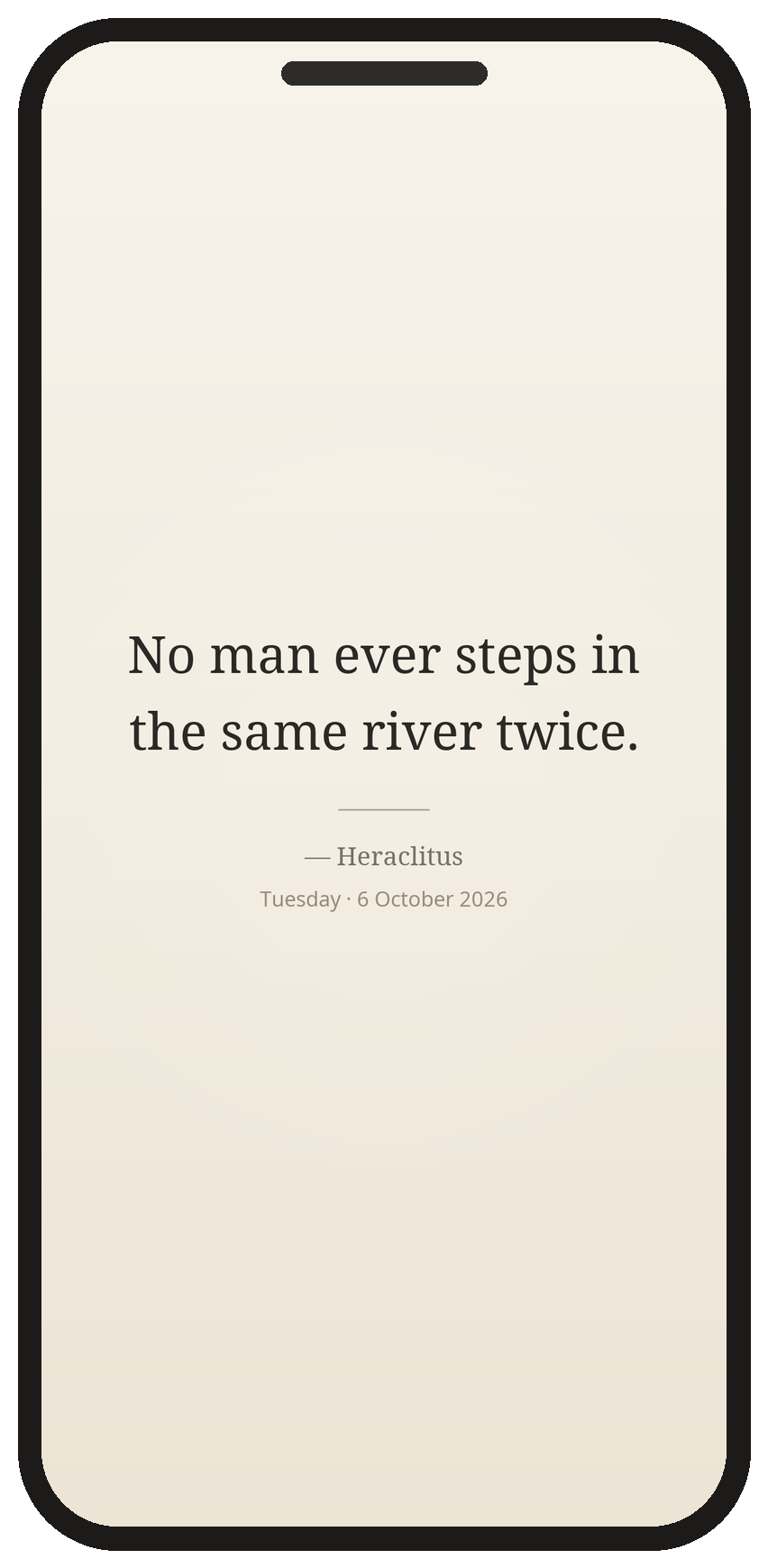
Illustration — this is the actual wallpaper file shown in a phone frame, not a device screenshot.
Get today's wallpaper — free How to set it up (1 minute)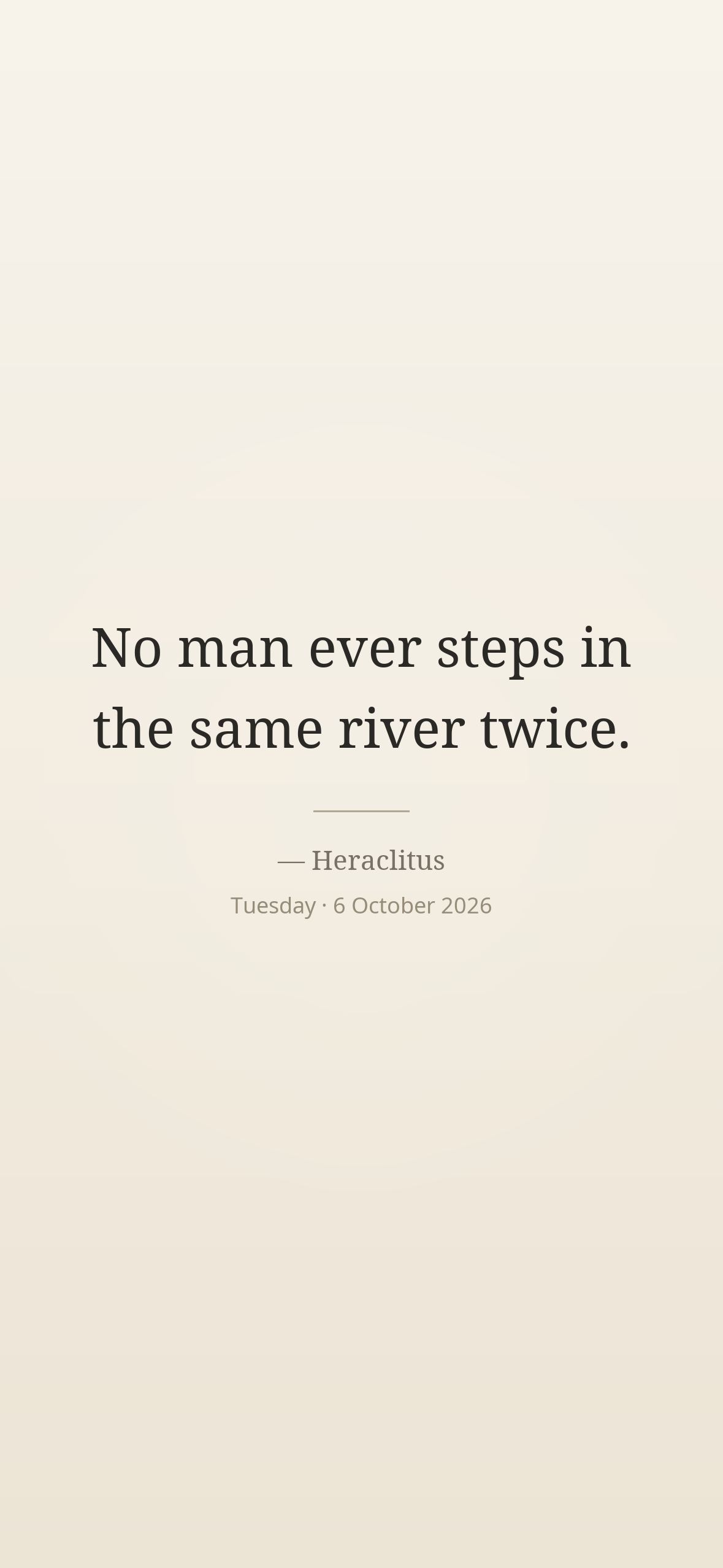
Works on iPhone and Android. No email needed to download.
What you get
- The date and weekday, printed on the image itself — so you see the day at a glance.
- One short line from a real book, with the author's name on the image.
- A clean layout that keeps clear of the clock at the top and the buttons at the bottom of your screen.
Two versions — please read this
These are different products. We are honest about which one works today.
1. Static wallpaper (a single image)
You save one image and set it as your wallpaper. The date on it is the date we made it. It does not change by itself. You can come back and save a new one whenever you like.
2. Auto-updating version (a new image every day)
This would replace the image automatically each day, so the date and the line stay correct without you doing anything.
We are not offering this yet. We are still testing it on real phones, and we will not promise "one-tap" or "automatic" before that testing is done. There is no download link for it on this page — we would rather leave a gap than give you a broken link.
If you would like to be told when it is ready, leave a comment at the bottom.
How to set it up
You only need to save an image and set it as your wallpaper. Nothing else is installed.
iPhone
- Tap Get today's wallpaper above. It saves to Photos.
- Open Settings → Wallpaper → Add New Wallpaper.
- Choose Photos, pick the image, tap Add.
- Turn off Depth Effect if you want the clock to sit cleanly on it.
- Tap Set as Wallpaper Pair.
Android
- Tap Get today's wallpaper above.
- Open the image in Photos / Gallery.
- Tap the ⋮ menu → Set as wallpaper.
- Choose Lock screen, Home screen, or both.
Previous days
Every day gets its own image and its own line. Tap one to save it.
Talk to us
Leave a comment below — we read every one and reply right here under your message. No account needed.